Find your channel.
Open live TV, keep favorite channels close and browse an optional XMLTV program guide. A guide is not required to watch.
Bring your own HTTPS source to a focused IPTV player for Apple TV and Android / Google TV.
In development · Planned as a paid download · No channels included
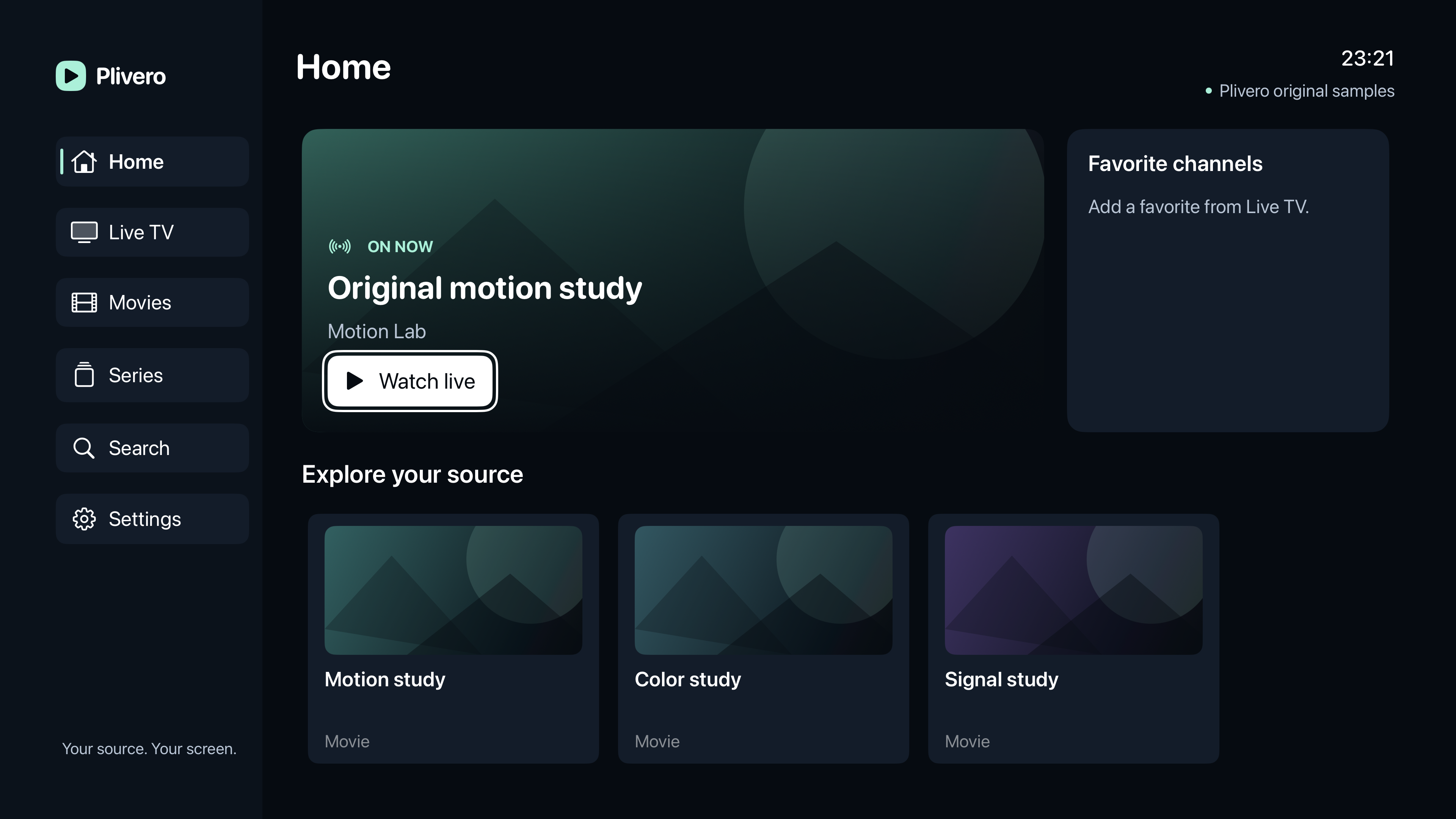
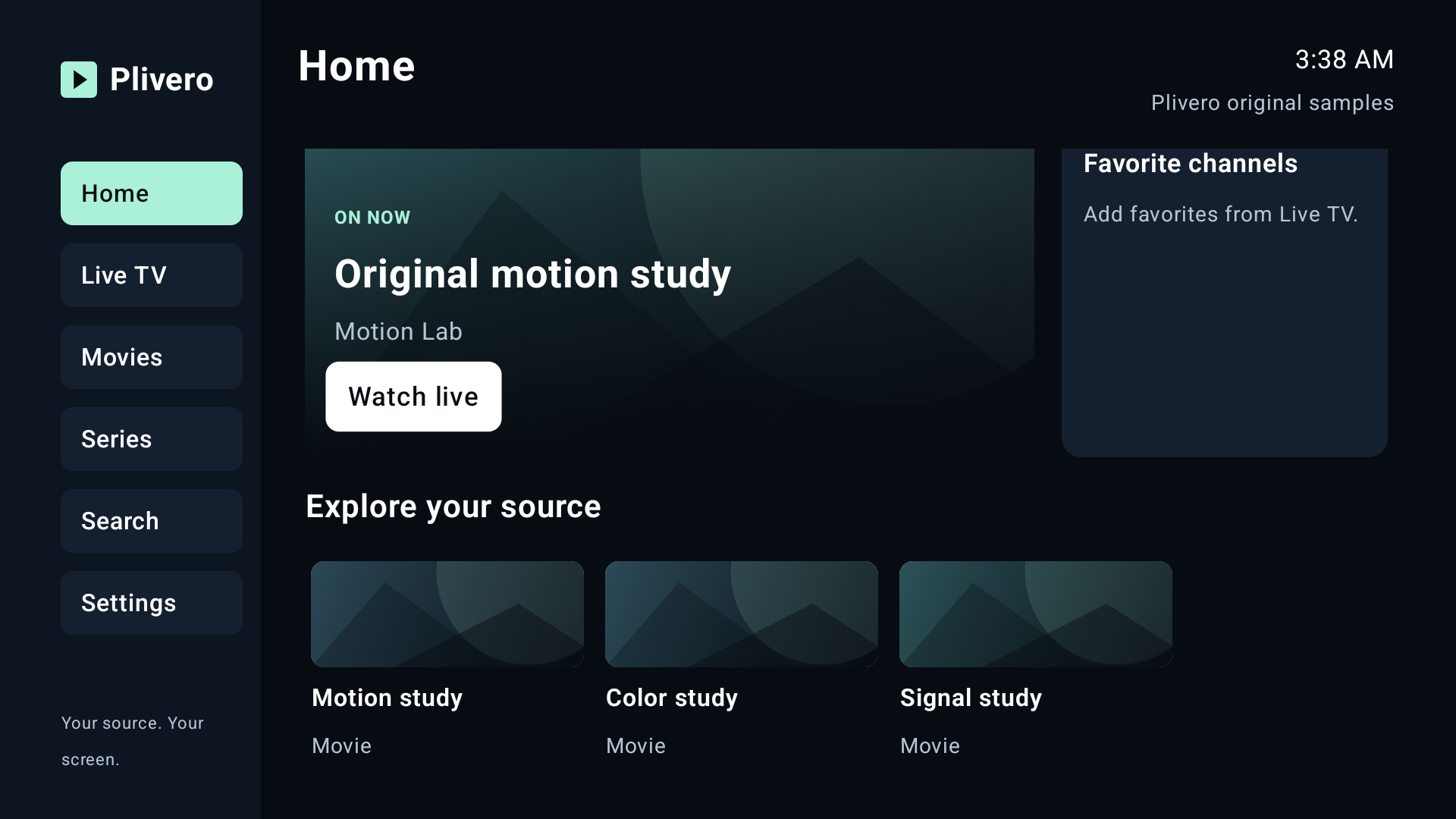
Your recent channel, program guide and local library in one place. Clear remote focus keeps the next action visible.
Open live TV, keep favorite channels close and browse an optional XMLTV program guide. A guide is not required to watch.
Browse compatible provider movies and episodes. Keep favorites and resume supported on-demand titles on this device.
Save up to five sources, with one source and one stream active at a time. Choose English or Turkish, larger text and optional local PIN protection.
Plivero is player software. You supply an authorized provider account or playlist and the rights to watch it.
Public HTTPS throughout.The playlist, redirects, media segments and encryption keys must use supported public HTTPS destinations. HTTP and local/private network sources are unsupported.
Source credentials, favorites, guide mappings and on-demand progress stay on this device. There is no Plivero account, advertising SDK or cloud playlist sync.
Connecting sends requests directly to your provider. Removing a source, clearing history and erasing all local data are separate controls.
No. Plivero does not supply, sell or recommend playlists, channels or provider subscriptions. Use only a source you are authorized to watch.
The app is in development and store preparation. Public store links will appear here after release. Internal testing and a review submission do not mean public availability.
No. Apple and Google purchases are separate. The final regional price is shown by each store. Buying player software does not grant content rights.
No. Recording, live DVR, offline downloads and multiview are not included. One stream plays at a time. Streaming requires internet access and a reachable authorized source.
A failed refresh preserves the last good catalog. Follow the specific source error and check your provider details. Plivero cannot restore an expired provider subscription or guarantee every codec, DRM service, 4K/HDR format or audio receiver.
Check the connection requirements and keep your provider details private.